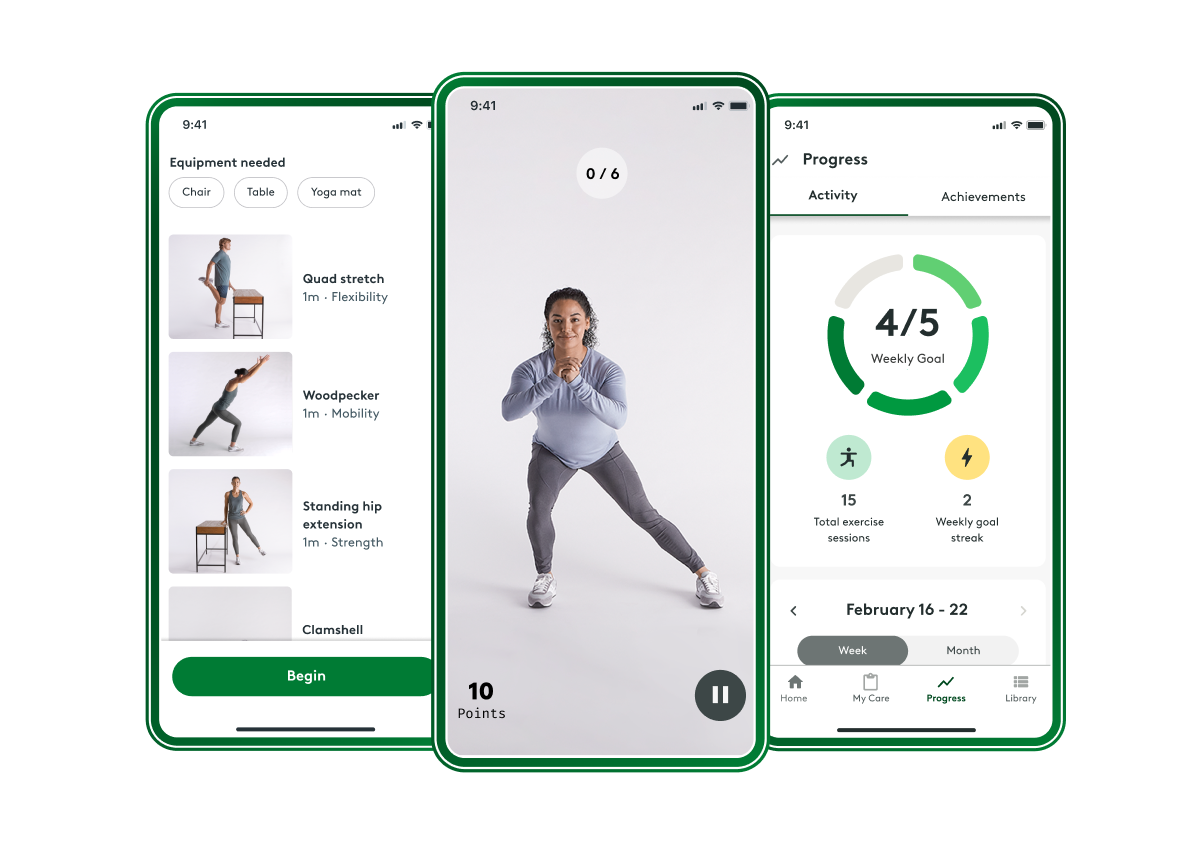
Welcome to Hinge Health! Download our app to unlock your personalized program for pain relief. You can do it anywhere at any time that works for you.
Download the app to get started
Get the app Available in the App Store (iOS) or the Google Play Store (Android).
Our app is compatible with any:
iOS device on version 15.1 or higher
Beginning August 1, 2026: iOS device on version 16.4 or higher
Android device on version 10 or higher

Personalized relief that moves with you

Get a personalized care plan with exercises and stretches designed by a physical therapist to relieve your pain.
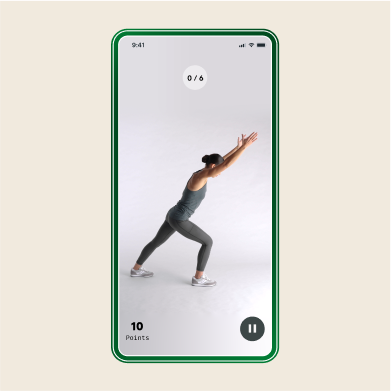
Real-time form feedback is available in app to help you do your exercises with ease. At home or on-the-go.
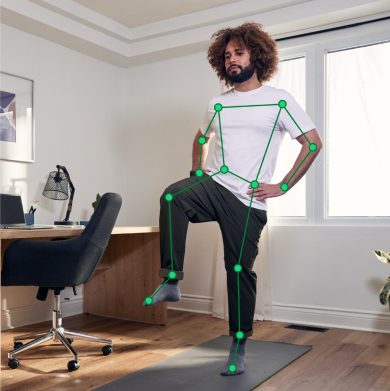
Our smart camera technology provides personalized, real-time form feedback while you move, helping you maximize the benefits of every session.
Need help? We’re here for you



FAQs
You can start your program by downloading the Hinge Health app and signing in with the email or phone number you used to enroll. Next, we’ll have you do a few simple stretches and exercises so we can see how you move. This allows us to personalize your program based on your pain, lifestyle, and goals.
We ask you to commit to doing at least 3 exercise sessions a week to reduce your pain, build strength, and increase flexibility.
You can download the app from the Apple App Store or Google Play Store.
You have the choice of signing in to the app using your phone number or the email address and password you used to join the program. Please note: your device must be connected to the internet or your cellular data in order to to sign in to the app.
If you’re not sure which phone number or email address you signed up with, or need to change these details, please contact our support team.
Yes! Hinge Health is covered through employers and health insurance plans, so there’s no cost to you. Get care when you need it—without the burden of copays and other hidden costs.
You’ll be guided through each exercise with audio and visual instructions. You’ll also have the option to use our smart camera technology to receive real-time feedback on your exercise form, ensuring you can move confidently and get the most out of every session.
You can contact our support team via phone +1(855)902-2777 or email ([email protected]). If you experience any issues when using the app, we recommend starting with these general tips: - Check your connection: the Hinge Health app requires a reliable internet connection. - Keep your app up-to-date: be sure to install new app versions as they become available. - Check your battery life: some issues may improve by fully charging your device. - Refresh your app: minor issues can be addressed by exiting and re-opening your app.
- Disclaimer
- Please use the default camera on your device to scan the QR code, not a third party application. If you are directed to a site other than the URL listed above, do not proceed.
Last updated: Oct 13, 2026